
What Are the Best Practices for Printing High-quality Photos
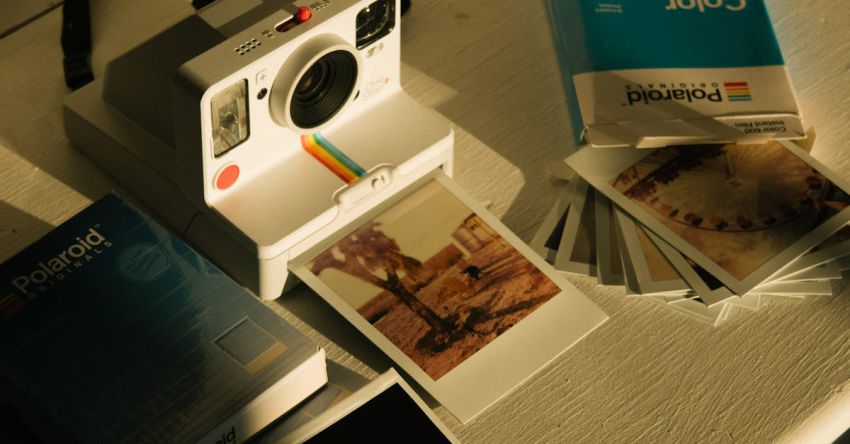
Capturing special moments through photography is a cherished pastime for many, and when it comes to printing those memories to display in our homes or share with others, it’s essential to ensure the highest quality output. Whether you’re a professional photographer looking to showcase your work or a hobbyist wanting to preserve your favorite snapshots, following best practices for printing high-quality photos is key to achieving stunning results.
Understanding Resolution and File Formats
One of the fundamental aspects of printing high-quality photos is understanding resolution and file formats. Resolution refers to the number of pixels per inch (PPI) in an image, with a higher resolution resulting in a sharper and more detailed print. For optimal results, aim for a resolution of at least 300 PPI when preparing your photos for printing. Additionally, choosing the right file format can impact the final output. For the best quality, opt for uncompressed formats like TIFF or RAW, as they preserve the most data and detail in your images.
Calibrating Your Monitor
Before sending your photos off to be printed, it’s crucial to ensure that your monitor is properly calibrated. A poorly calibrated monitor can lead to inaccurate colors and exposure levels in your prints. To calibrate your monitor, consider using a color calibration tool or software that can help you adjust the brightness, contrast, and color accuracy of your screen. By calibrating your monitor, you can better match the colors and tones in your digital files to how they will appear in print.
Choosing the Right Paper and Ink
The choice of paper and ink can significantly impact the quality and longevity of your printed photos. When selecting paper, consider factors such as finish, weight, and texture to find the best match for your images. Matte paper is ideal for minimizing glare and fingerprints, while glossy paper can enhance color vibrancy and sharpness. For black and white photos, a luster or satin finish can provide a classic look with deep blacks and smooth tonal transitions. When it comes to ink, opt for high-quality pigment-based inks that offer superior color accuracy and longevity compared to dye-based inks.
Optimizing Color Management
Achieving accurate and consistent color reproduction across different devices is essential for printing high-quality photos. Implementing color management practices can help ensure that the colors in your digital files translate accurately to print. Consider using color profiles specific to your printer, paper, and ink combination to maintain color consistency throughout the printing process. Additionally, calibrating your printer regularly and using color management software can help you achieve the desired color accuracy and fidelity in your printed photos.
Checking and Adjusting Image Settings
Before sending your photos to the printer, take the time to check and adjust key image settings to optimize the final output. Pay attention to factors such as brightness, contrast, saturation, and sharpness to ensure that your photos look their best in print. Consider making adjustments using photo editing software to fine-tune the overall appearance and quality of your images. By carefully reviewing and adjusting these settings, you can enhance the visual impact of your printed photos and create stunning prints that accurately reflect your artistic vision.
Protecting and Displaying Your Prints
Once you’ve printed your photos, it’s essential to protect and display them properly to maintain their quality and longevity. Store your prints in archival-quality sleeves or albums to shield them from dust, moisture, and fading over time. When displaying your prints, avoid direct sunlight and high humidity areas to prevent color fading and deterioration. Consider framing your prints with UV-protective glass or acrylic to safeguard them from environmental factors and enhance their visual impact.
Conclusion
Printing high-quality photos requires attention to detail and adherence to best practices throughout the process. By understanding resolution and file formats, calibrating your monitor, choosing the right paper and ink, optimizing color management, checking and adjusting image settings, and protecting and displaying your prints, you can ensure that your photos look their best in print. Follow these guidelines to create stunning prints that capture the beauty and essence of your photographic work.