
How to Use a Gimbal for Smooth Video Footage
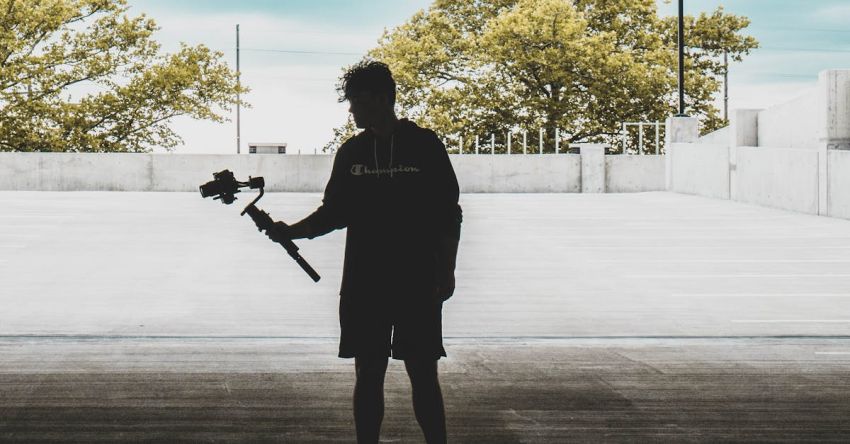
Capturing smooth and stable video footage can greatly enhance the overall quality of your content, whether you are a professional videographer or simply a hobbyist. One essential tool that can help you achieve this level of professionalism is a gimbal. A gimbal is a device that stabilizes your camera, allowing you to capture smooth and shake-free footage even when you are moving. In this article, we will explore how to use a gimbal effectively to achieve professional-looking video footage.
Understanding the Basics of a Gimbal
Before we delve into the specifics of using a gimbal, it is important to understand the basic principles behind how it works. A gimbal consists of three axes – pan, tilt, and roll – that allow your camera to move smoothly in all directions while keeping it stable. By utilizing motors and sensors, a gimbal can detect and counteract any unwanted movements, resulting in smooth and steady footage.
Balancing Your Camera
One of the most crucial steps in using a gimbal is balancing your camera properly. Balancing ensures that the motors in the gimbal are not overworked, which can lead to shaky footage. To balance your camera, start by mounting it securely on the gimbal. Adjust the position of the camera until it remains level and does not tilt in any direction. Make sure to check the balance on all three axes – pan, tilt, and roll – to achieve optimal stability.
Calibrating the Gimbal
Once your camera is properly balanced, the next step is to calibrate the gimbal. Calibration ensures that the motors are synchronized and working correctly. Most gimbals come with a calibration mode that you can access through the accompanying app or control panel. Follow the instructions provided by the manufacturer to calibrate your gimbal accurately.
Using the Correct Settings
To achieve smooth video footage, it is essential to use the correct settings on your gimbal. Start by setting the motor strength to an appropriate level based on the weight of your camera setup. Adjust the speed and responsiveness of the gimbal to your liking, keeping in mind that slower settings may result in smoother footage but may not be suitable for fast-paced movements.
Practice Proper Technique
Using a gimbal effectively also requires practicing proper filming techniques. Keep your movements smooth and deliberate, avoiding jerky or sudden motions that can disrupt the stability of the gimbal. Use your body to absorb any shocks or vibrations while walking or moving, allowing the gimbal to focus on stabilizing the camera.
Utilizing Follow Modes
Most gimbals come with different follow modes that allow you to capture a variety of shots with ease. Experiment with the different follow modes, such as pan follow, tilt follow, and full follow, to see which works best for your specific shooting style. These modes can help you achieve dynamic and professional-looking shots effortlessly.
Exploring Creative Shots
Lastly, do not be afraid to get creative with your gimbal shots. Experiment with different angles, movements, and perspectives to add visual interest to your footage. Whether you are shooting a cinematic sequence or a vlog, using a gimbal opens up a world of possibilities for creating visually stunning content.
In conclusion, mastering the art of using a gimbal for smooth video footage requires a combination of technical know-how and creative flair. By following the tips outlined in this article and practicing consistently, you can elevate the quality of your video content and impress your audience with professional-looking shots. So go ahead, grab your gimbal, and start capturing smooth and stable footage that will take your videos to the next level.