
What Are the Tips for Editing Portrait Photos
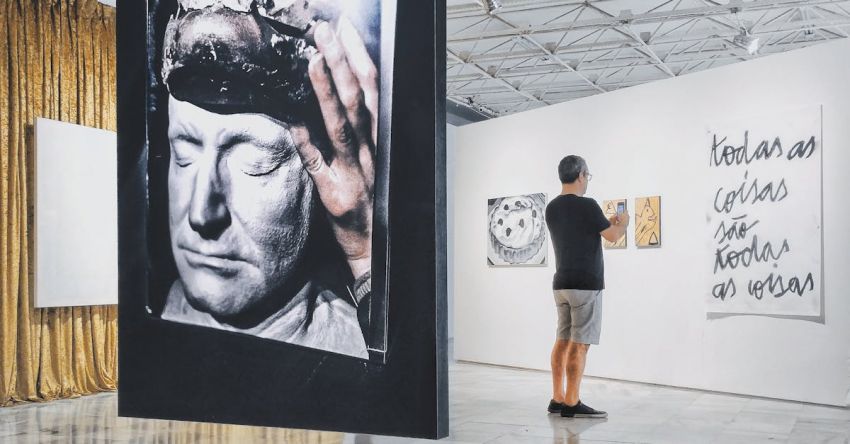
Portrait photography is a powerful way to capture the essence and personality of an individual. The editing process plays a crucial role in enhancing the beauty and impact of these images. Whether you are a professional photographer or an amateur enthusiast, mastering the art of editing portrait photos can take your work to the next level. Here are some essential tips to help you elevate your portrait editing skills.
Understanding the Importance of Lighting
The key to creating stunning portrait photos lies in understanding the significance of lighting. Proper lighting can make a significant difference in the overall look and feel of a portrait. When editing portrait photos, pay close attention to the lighting conditions in the original image. Adjust the exposure, highlights, and shadows to ensure that the subject is well-lit and that the details are clear and vibrant.
Enhancing Skin Tone and Texture
One of the most critical aspects of editing portrait photos is enhancing the skin tone and texture of the subject. To achieve a natural and flawless look, use tools like the healing brush or clone stamp to remove blemishes, wrinkles, and other imperfections. Pay attention to the skin tone and make subtle adjustments to ensure that it looks smooth and even without appearing overly retouched.
Adjusting Color and Contrast
Color and contrast play a vital role in setting the mood and tone of a portrait photo. Experiment with the color balance, saturation, and temperature settings to achieve the desired look. Enhancing the contrast can make the subject stand out and add depth to the image. Be mindful of the overall color scheme and make adjustments accordingly to create a harmonious and visually appealing portrait.
Framing and Composition
In addition to editing the technical aspects of a portrait photo, consider the framing and composition of the image. Pay attention to the placement of the subject within the frame, as well as the background and surrounding elements. Cropping the image or adjusting the composition can help draw attention to the subject and create a more engaging and visually appealing portrait.
Creating a Signature Style
Developing a signature editing style can help set your portrait photos apart and make them instantly recognizable. Experiment with different editing techniques, presets, and filters to find a style that resonates with your artistic vision. Whether you prefer a clean and natural look or a more dramatic and artistic approach, refining your editing style can help you establish a unique and consistent aesthetic in your portrait photography.
Using Creative Effects and Filters
Adding creative effects and filters can enhance the mood and atmosphere of a portrait photo. Experiment with techniques like selective color, vignetting, or texture overlays to add depth and visual interest to your images. Be mindful not to overdo it, as subtlety is often key when using creative effects in portrait editing.
Showcasing Your Work
Once you have edited your portrait photos to perfection, it’s time to showcase your work and share it with the world. Consider creating a portfolio or online gallery to display your best images and attract potential clients or collaborators. Don’t forget to promote your work on social media platforms and photography communities to reach a wider audience and receive feedback from fellow photographers.
Elevating Your Portrait Editing Skills
Mastering the art of editing portrait photos takes time, practice, and patience. By understanding the fundamentals of lighting, skin tone, color, and composition, you can enhance the beauty and impact of your portrait photography. Experiment with different editing techniques, develop a signature style, and always strive to improve and evolve as a photographer. With dedication and creativity, you can elevate your portrait editing skills and create stunning images that captivate and inspire viewers.